Properties and Parameters
Sometimes information on a page is edited via properties, instead of the WYSIWYG editor. Here is an example on how you can access properties and parameters.
Page properties can be found in the page actions tool if the page is checked out, meaning the light bulb is on.
Note: When the page is not checked out, there will be fewer options available.
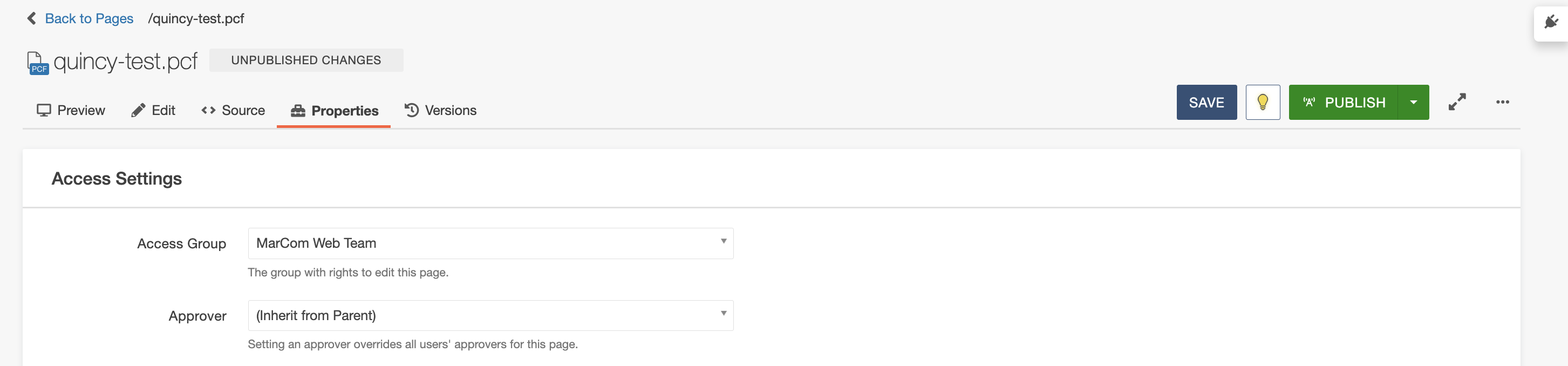
- Parameters - This includes metadata about the page, such as the title and description.
- Reminders - You can set scheduled and stale reminders for a page to notify you either to publish a page at a certain time or when a page has been unedited for too long. (permission based)
- Log - Tracks all changes that have been made to the page.
Page parameters have two sections:
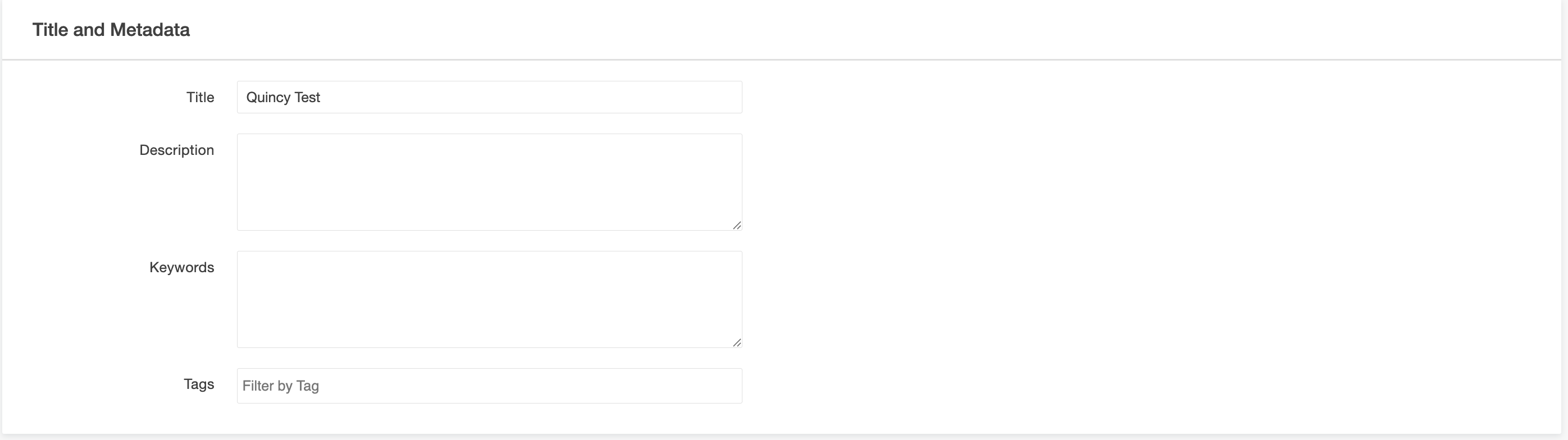
- Title and Metadata - The Title and Description are the most critical fields for your page's "findability." These fields directly populate search engine results, helping users understand what your page is about before they even click. Additionally, the Page Title appears in the browser tab, making it easier for users to identify your page when they have multiple sites open
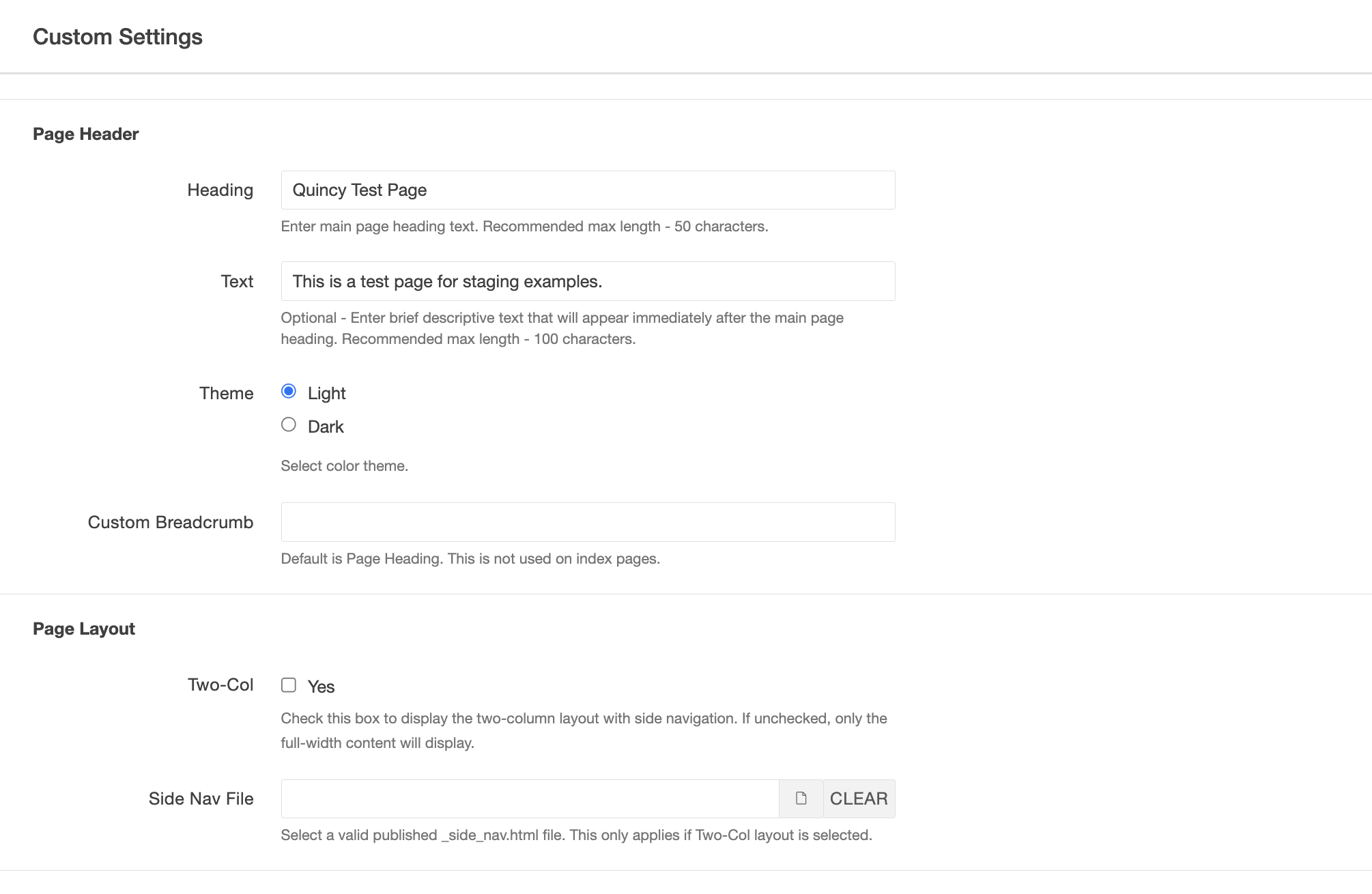
- Custom Settings - Page Parameters offer a flexible way to manage settings that vary across different page types. These options allow you to configure elements outside of the main editable regions, such as toggling breadcrumbs, updating the page header, or selecting a featured page image. You can also use these parameters to control the overall layout of your page, such as choosing whether to display right or left columns. By adjusting these settings, you can quickly customize the structure and navigation of your page to better suit your specific content needs.